Singluar Framework
What is Singluar?
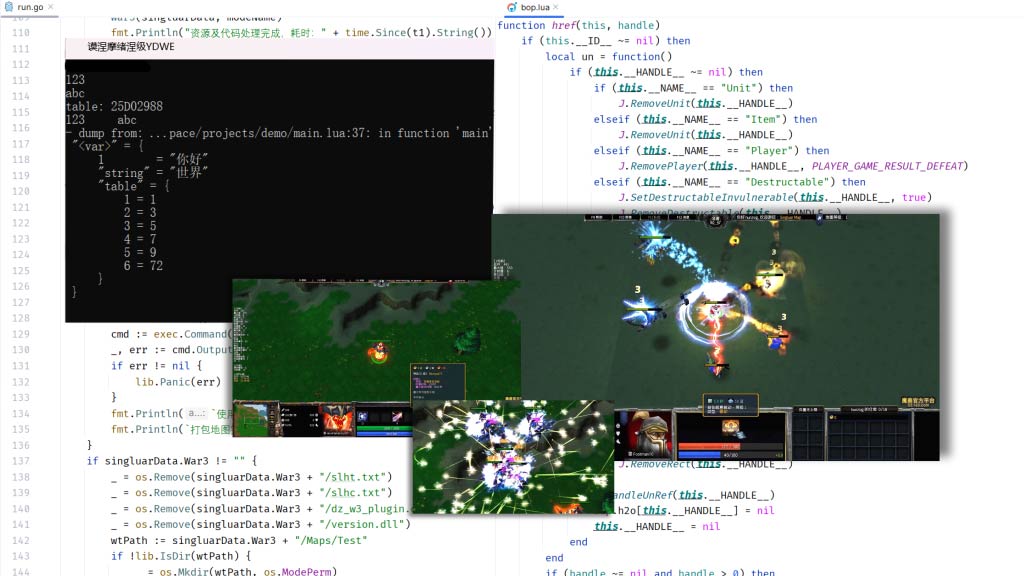
Singluar is a warcraft 3 map development framework, can run on windows platform. Combined with YD, Dz runtime environment. With the use of golang language management tools , it supports advanced map hot update , global code obfuscation encryption , so you develop online experience more convenient and comfortable .
Getting the framework
You directly download the leanest code package here
also go to GitHub for
Documentation and Dependencies
Checking the documentation and introducing dependencies into the project is a must, you can check out the Technical support document
Framework Structure
(*)Required
(~)Automatic
(·)Customize
├── assets - (*|-) repository
│   ├── war3mapFont - for fonts, only supports ttf
│   ├── war3mapIcon - put icon, only support tga
│   ├── war3MapLoading - Load image, only support single tga or rule combination tga.
│   ├── war3mapModel - Load model, only support mdx, don't throw in maps.
│   ├── war3mapPreview - Preview the map, only support tga.
│   ├── war3mapSelection - put the selection circle, refer to the provided format.
│   ├── war3mapSound - put sound music, only support mp3
│   ├── war3mapTextures - put model textures, only support blp
│   └── war3mapUI - put UI suite, format reference is already available
├── assetsNew - (*|-) Same structure as assets, used when handling new resources.
├── projects - (~|-) used to put your map project directory, such as project_demo
│   └── project_demo -(-)
├── temp -(~) cache
├── vendor -(*)
│   ├── kernel - functional core
│   ├── lni - important map data
│   ├── models - model command map template
│   ├── w3x2lni - w3x2lni tool (v:2.7.2)
│   └── WE - horse tool
├── conf - (~|-) configuration
└── sl.exe - (*) command tool
Installing Tools and Plug-ins
Programming Tools (For reference only, you can also ignore it and use other tools like golang, cursor, etc.)
JetBrains Series Plugin Recommendations
Optional plugin EmmyLua

Optional plugin Image Icon Viewer
Optional plugin Color Highlighter

Optional plugin CodeGeeX

Optional plugin Continue

Terminal operations
Open a terminal and go to the frame root directory
> cd ./singluarCreate a new project
> sl.exe new demoLocal test with hot update
> sl.exe run demo -hManaging Projects with the History Tool
You should use versioning code history management tools (Git, Svn, etc.) to manage your development projects. You can use third-party hosting platforms (e.g., GitHub, GitLab, Gtiee, Bitbucket), or self-built (e.g., Gogs) management tools, and please at least use the tools locally to build a local version. No one knows when they're going to make a mistake. Code history allows you to view every change, roll back versions, and back up results.